Enquire Now
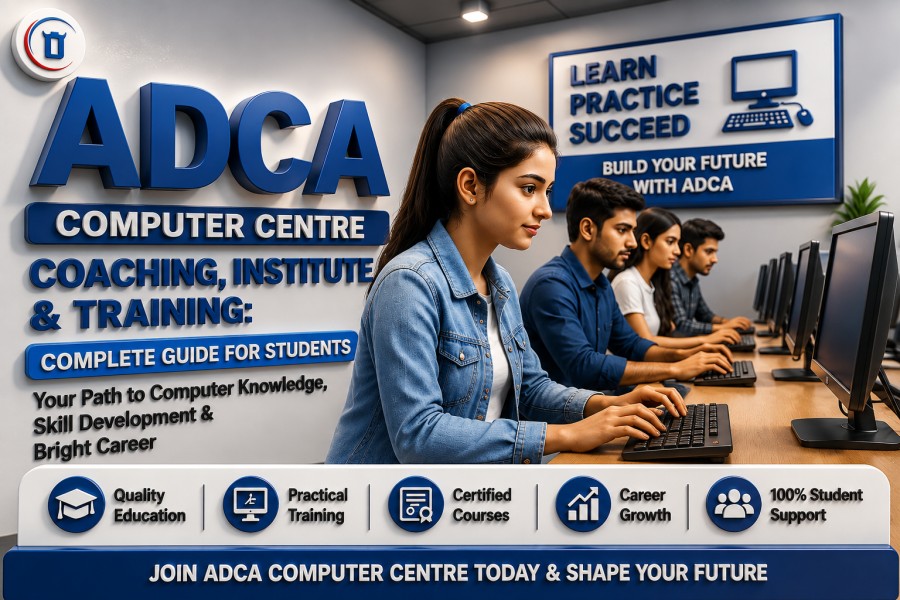
Choosing the right computer course can help students build useful skills for study, work, and daily life. An ADCA Computer Centre can provide structured learning for students who want to understand computer applications in a practical way. ADCA is useful for beginners, students, job seekers and people who want better digital skills.
Before joining any course, it is important to understand the syllabus, practical classes, training method and career value. This guide explains the important points students should know before choosing an ADCA course.
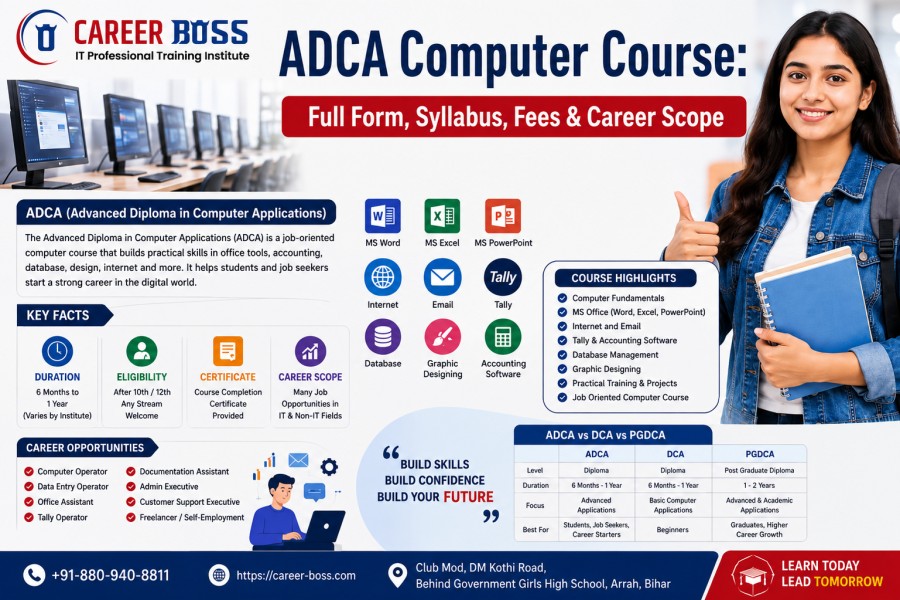
ADCA stands for Advanced Diploma in Computer Applications. It is a computer education program that focuses on common computer applications and practical digital skills.
The course can help learners understand both basic and advanced computer tasks. The exact syllabus can differ from one institute to another. Students should check the course details before admission.
An ADCA course may cover computer fundamentals, office applications, internet use, typing, accounting software and other computer application skills.
The main goal is to make students more comfortable with computers and common workplace tasks.
A good ADCA program should include both theory and practical work. Students learn better when they get enough time to practice each topic.
Common subjects may include:
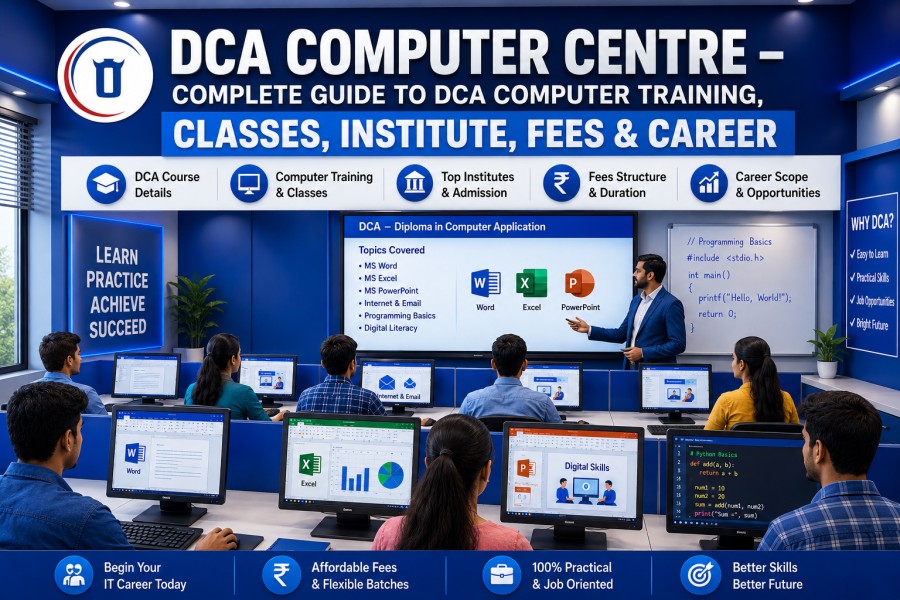
MS Word can help students prepare letters, reports, resumes and other documents. MS Excel is useful for tables, calculations, records and basic data work. PowerPoint can help with presentations.
Students may also learn how to use email, search for information online, manage files and perform other everyday digital tasks.
Practical learning is one of the main benefits of computer education. Reading about software is not enough. Students need regular practice to gain confidence.
A good ADCA Computer Coaching program should allow learners to work on real computer tasks. This can include document creation, spreadsheet work, presentations, internet use and basic office activities.
Students should also get a chance to ask questions during practical sessions. A supportive trainer can make difficult topics easier to understand.
Regular practice can also improve typing skills and basic computer knowledge. These skills can be useful in offices, shops, schools, businesses and other workplaces.
Choosing an institute only because of low fees may not be the best approach. Students should compare the overall learning experience.
Before joining an ADCA Computer Institute, check these points:
The syllabus should match your learning needs. A course with only theory may not give enough practical experience.
It is also useful to visit the institute before admission. Ask how many practical classes are included. Check whether students get individual computer practice.
A good ADCA training institute should focus on useful skills instead of only completing the syllabus.
Good ADCA Computer Training should be practical and easy to follow. Beginners should not feel uncomfortable while learning.
Practical Computer Skills
Students should learn how to create, save, edit and manage files. They should also understand folders, printing, basic troubleshooting and safe internet use.
Computer fundamentals are important because they create a strong base for advanced computer learning.
Office and Accounting Skills
Office work often requires documents, spreadsheets, presentations and basic data management. This is why MS Office training can be an important part of computer education.
Tally and accounting software training can also be useful for learners interested in basic accounting and office-related work.
Digital Skills
Digital skills are now useful in many areas. Students should know how to use email, search for information, download files safely and communicate through common online tools.
These skills can help students handle daily digital tasks with more confidence.
An ADCA course can help learners build computer skills that may support entry-level job roles. However, completing a course does not guarantee a job.
Career options depend on skills, experience, location, employer requirements and interview performance.
Some possible roles include:
Students can improve their chances by developing practical skills along with the course. Communication, typing speed, Excel knowledge and basic accounting skills can be useful for many office roles.
Students should also create a simple resume and practice common interview questions after completing their training.
Local search can help students compare different learning options. Many students search for terms such as ADCA Computer Centre in Ara when they want a course close to home.
Other searches may include Best 10 Computer Centres in Arrah or Best Computer Centre in Bihar. These searches can help learners find local options, but students should not select an institute only because it appears on a list.
Check the course syllabus, practical facilities, trainer support, fees and student feedback before making a decision.
Students can also search for ADCA computer classes near me and then compare several options. Visiting the centre can give a better idea of the classroom and computer lab.
An ADCA course can be suitable for different types of learners.
It may be useful for:
Students who already know basic computer operations can also use advanced computer training to improve their existing skills.
The right course depends on the learner's current knowledge and career goal.
Do not rush into admission. First, understand what the course offers.
Ask the institute about the syllabus, practical sessions, course duration, fees, certificate and class schedule. You can also ask whether students get practice assignments.
A good course should have a balance between classroom explanation and hands-on work.
If possible, attend a demo class before joining. This can help you understand the teaching style and learning environment.
Also compare the course with your personal goal. If you want office work, focus on MS Office, Excel, typing and documentation skills. If you are interested in accounting, look for suitable accounting software training.
Computer skills can be useful for education, office work, business, and many everyday tasks. A well-planned course can give students a strong base and help them become more confident with technology.
When selecting an ADCA Computer Centre focus on practical training, useful subjects, trainer support and the overall learning environment. Do not choose a course only because of its name or low price.
If you are planning to join an ADCA program compare local institutes, check the syllabus, attend a demo class and ask questions before admission. Career Boss Institute is one option students can consider while comparing suitable computer training programs.
Start by understanding your learning goal and then choose a course that gives you practical skills, clear guidance and enough practice to use computers confidently.
ADCA is an advanced computer application course that covers topics such as computer fundamentals, MS Office, internet use, typing, accounting software, and other practical computer skills.
Common subjects include computer fundamentals, MS Word, MS Excel, MS PowerPoint, internet and email, typing, accounting software, and other computer applications. The exact syllabus may vary by institute.
ADCA can help job seekers build practical computer skills. These skills may be useful for entry-level roles such as computer operator, data entry operator, office assistant, and back-office work.
Check the syllabus, practical classes, computer lab, trainer support, course duration, fees, certificate details, and student support before joining. A demo class can also help you understand the teaching method.
Yes. Practical training helps students use software and perform common computer tasks with confidence. Regular practice in MS Office, typing, internet use, and other course topics can improve computer skills.
Copyright © 2026. Career-Boss. All rights reserved.