Enquire Now
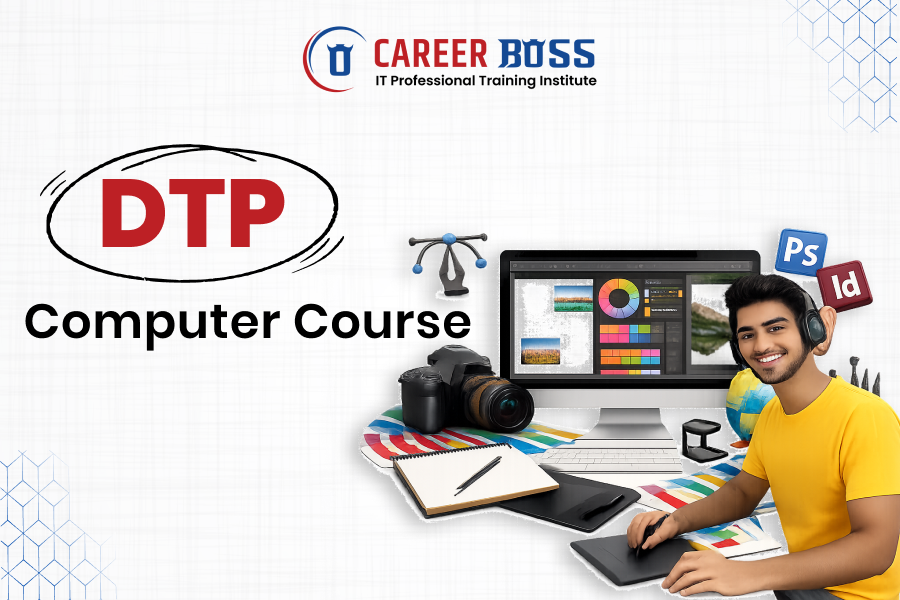
The DTP Computer Course is one of the most popular and career-oriented programs for students who want to build a future in design, publishing, and digital media. DTP (Desktop Publishing) focuses on creating visually attractive content for print and digital platforms using professional design software. This course is ideal for students, job seekers, and creative professionals looking to enhance their technical and creative skills.
A professional DTP Computer Course is designed to provide both theoretical knowledge and practical experience. Students learn industry-standard tools and techniques used in the printing and design industry.
1. Adobe Photoshop:
Used for image editing, photo retouching, background removal, and creative design work.
2. Corel Draw:
Ideal for vector-based designs such as logos, banners, brochures, and visiting cards.
3. Adobe in Design / PageMaker:
Used for page layout design, magazine creation, books, newspapers, and professional printing work.
4. Design Fundamentals:
Includes color theory, typography, layout principles, composition, and visual balance.
A DTP course helps students gain both creative and technical expertise, including:
These skills are essential for buildsng a strong career in the design and publishing industry.
1. High Demand:
DTP professionals are in high demand across printing presses, advertising agencies, media houses, and digital platforms.
2. Versatile Career Options:
DTP skills are useful in multiple industries including publishing, marketing, advertising, and digital media.
3. Creativity:
This course allows you to turn creativity into a profession by designing visually appealing content.
1. Certificates & Diplomas:
Short-term and long-term certification programs suitable for beginners and professionals.
2. Online & Offline Learning:
Students can choose between classroom training or online learning based on convenience.
Duration:
Typically ranges from 3 months to 12 months, depending on the course level.
Eligibility:
Open to students after 10th or 12th grade. Basic computer knowledge is preferred.
Fees:
Course fees vary depending on institute, duration, and software coverage.
After completing a DTP Computer Course, students can explore various job roles such as:
1. DTP Operator / Specialist:
Work in printing presses, publishing houses, or design studios.
2. Graphic Designer:
Create creative designs for digital and print media.
3. Layout Artist:
Design page layouts for books, magazines, and newspapers.
4. Freelance Designer:
Work independently on client projects and earn from home.
1. Software Proficiency:
Hands-on training in industry-standard design tools.
2. Design Fundamentals:
Understanding layout, color theory, and typography.
3. Text & Image Handling:
Managing images, text flow, and print-ready files.
4. Production Knowledge:
Learning printing processes, formats, and quality control.
A DTP Computer Course at Career Boss Institute is an excellent choice for anyone interested in creative and technical work. With strong practical training, industry-relevant tools, and growing career opportunities, this course helps students build a stable and creative future. Whether you want a job, freelance career, or your own design business, a DTP course at Career Boss Institute provides the right foundation to succeed in the digital and printing world.
Copyright © 2026. Career-Boss. All rights reserved.